Create your account
Gerai Digital is free to start, and you don't need a card to sign up.
1. Sign up
- Go to app.gerai.digital/register.
- Enter your name, email and a password of at least 8 characters, or choose Continue with Google.
- Open the email we send you and confirm your address.
2. Set up your organization
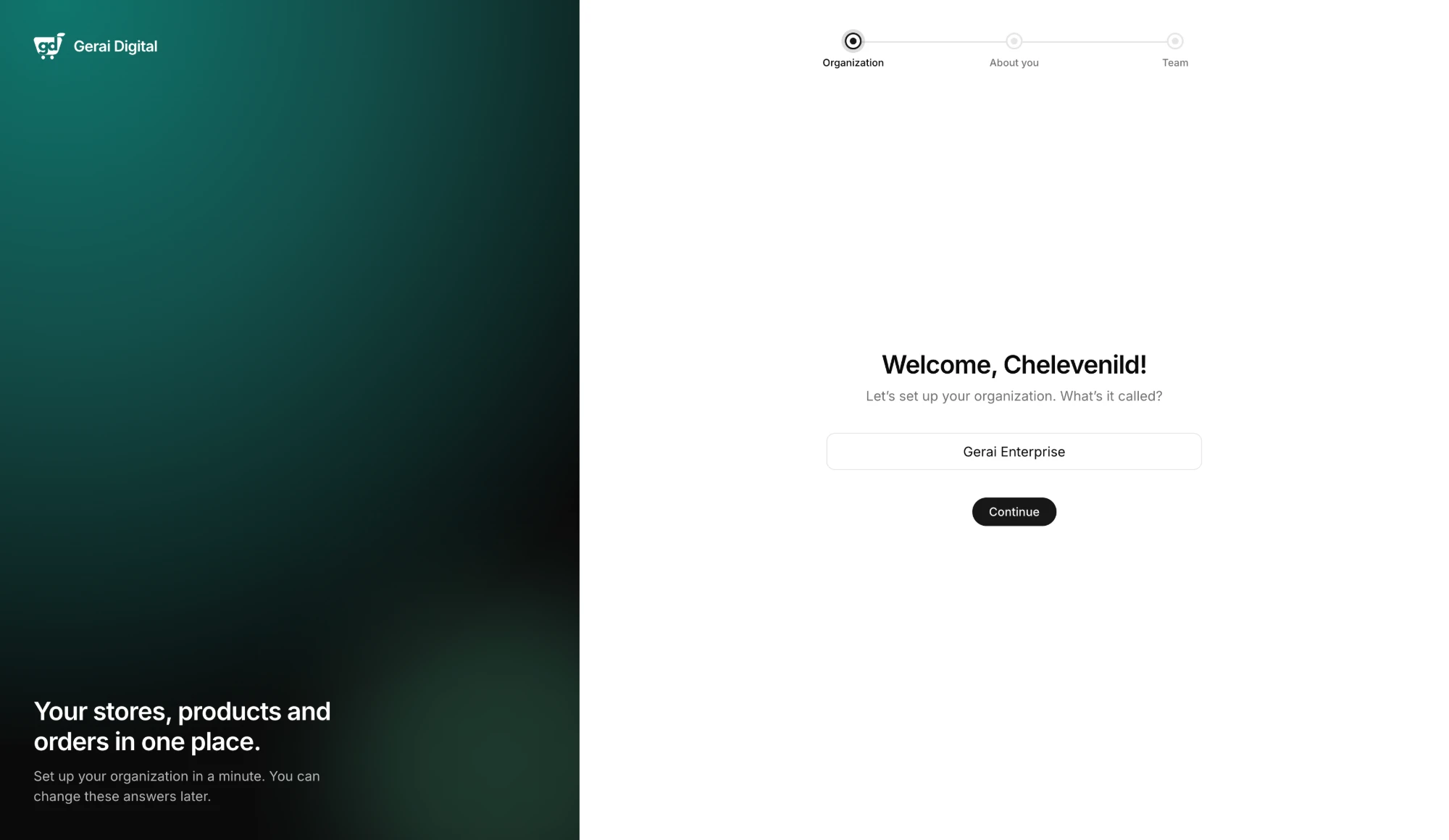
Your organization is your business on Gerai Digital. After you sign up, we ask you three things:
- Organization name: the name of your business.
- What best describes you? Pick the one closest to how you sell, for example Individual seller, Small / Home business or Online seller.
- How big is your team? Including you.
Then choose Create organization. You can change these answers later.
3. Follow the Get Started guide
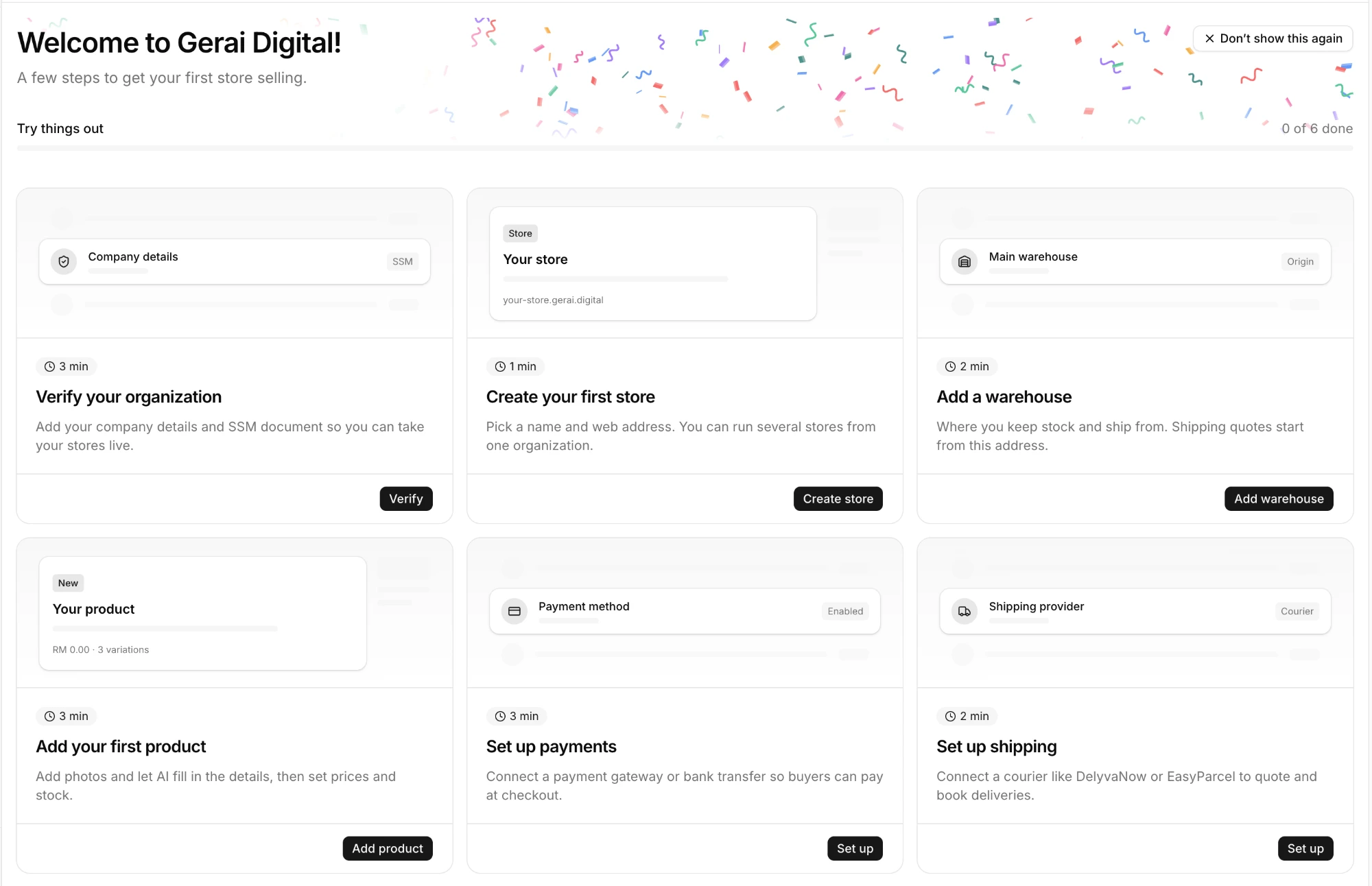
Your dashboard opens with a Get Started guide that walks you through the rest:
- Verify your organization
- Create your first store
- Add a warehouse
- Add your first product
- Set up payments
- Set up shipping
tip
You can hide the guide from the top bar. To open it again, press / to search and look for Get Started.
Next: Verify your business